


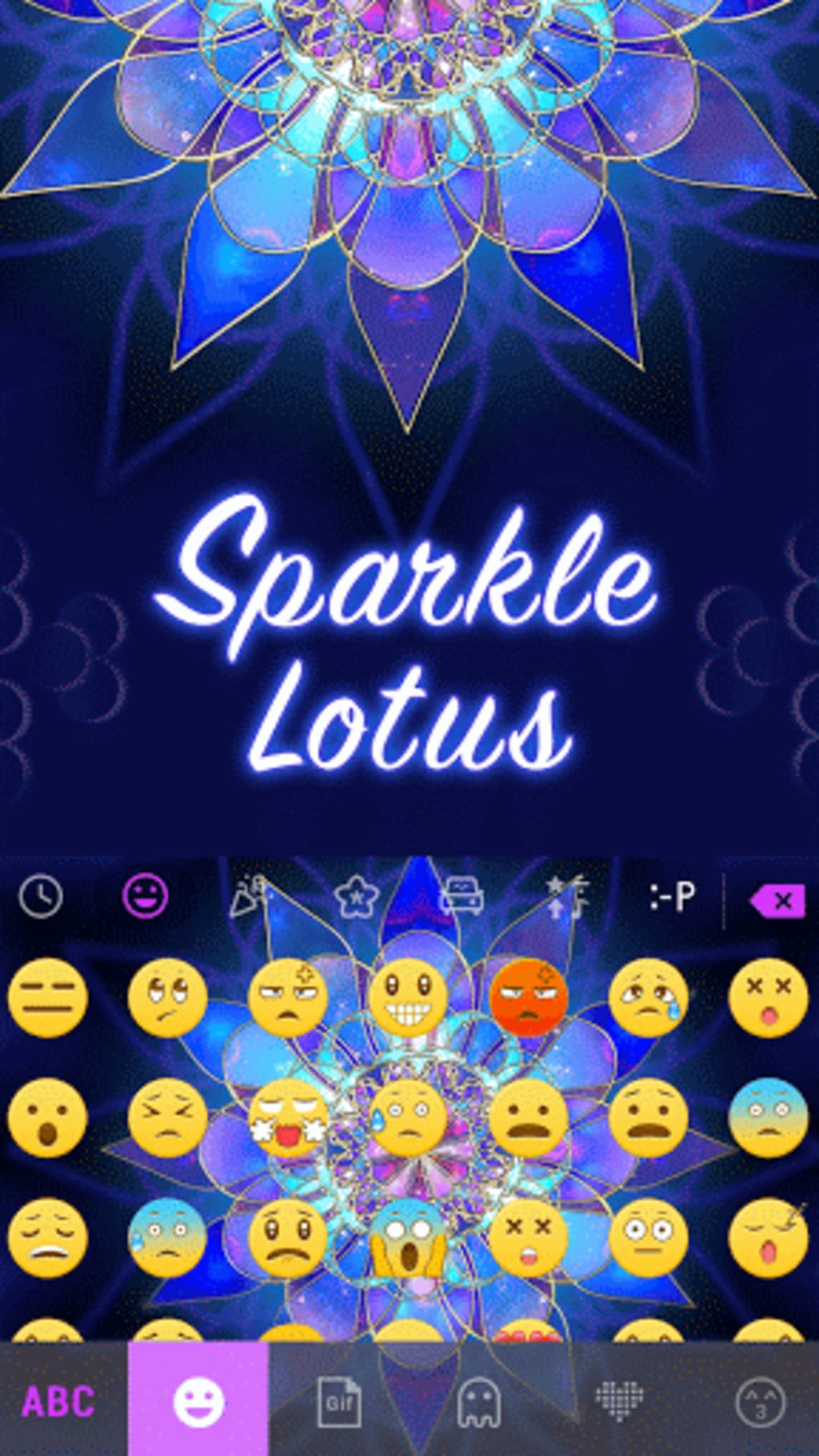
Description
Download Sparkle Lotus Kika Keyboard – Android keyboard, emoji, GIF, swipe typing, customizable theme
Overview
The Sparkle Lotus Kika Keyboard is a visually striking Android keyboard application designed to transform the typing experience on mobile devices. Targeted at users who value both aesthetics and functionality, it offers a vibrant, theme-driven interface that elevates everyday text input. The software is specifically built for integration with the Kika Keyboard platform, serving as a downloadable theme rather than a standalone keyboard. Its primary purpose is to enhance user engagement by combining a dynamic visual design with practical typing tools. Users seeking a more expressive and enjoyable way to communicate through text messages, emails, or web forms will find this app particularly appealing. The software is ideal for casual users, social media enthusiasts, and anyone who enjoys personalizing their device’s interface. While the developer did not provide additional background details, the app’s focus on visual appeal and interactive features suggests a design-oriented approach. Real-world usage scenarios include messaging friends with animated GIFs, responding to notifications with expressive emojis, and navigating forms with swipe-to-type efficiency. The app is free to download, allowing users to explore its features without financial commitment.Key Features & Capabilities
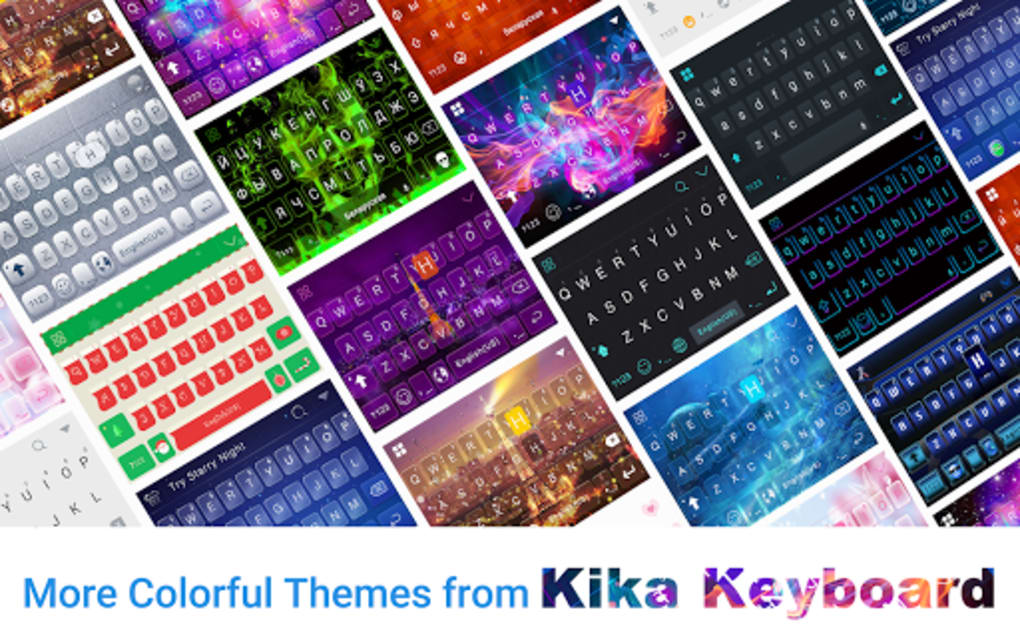
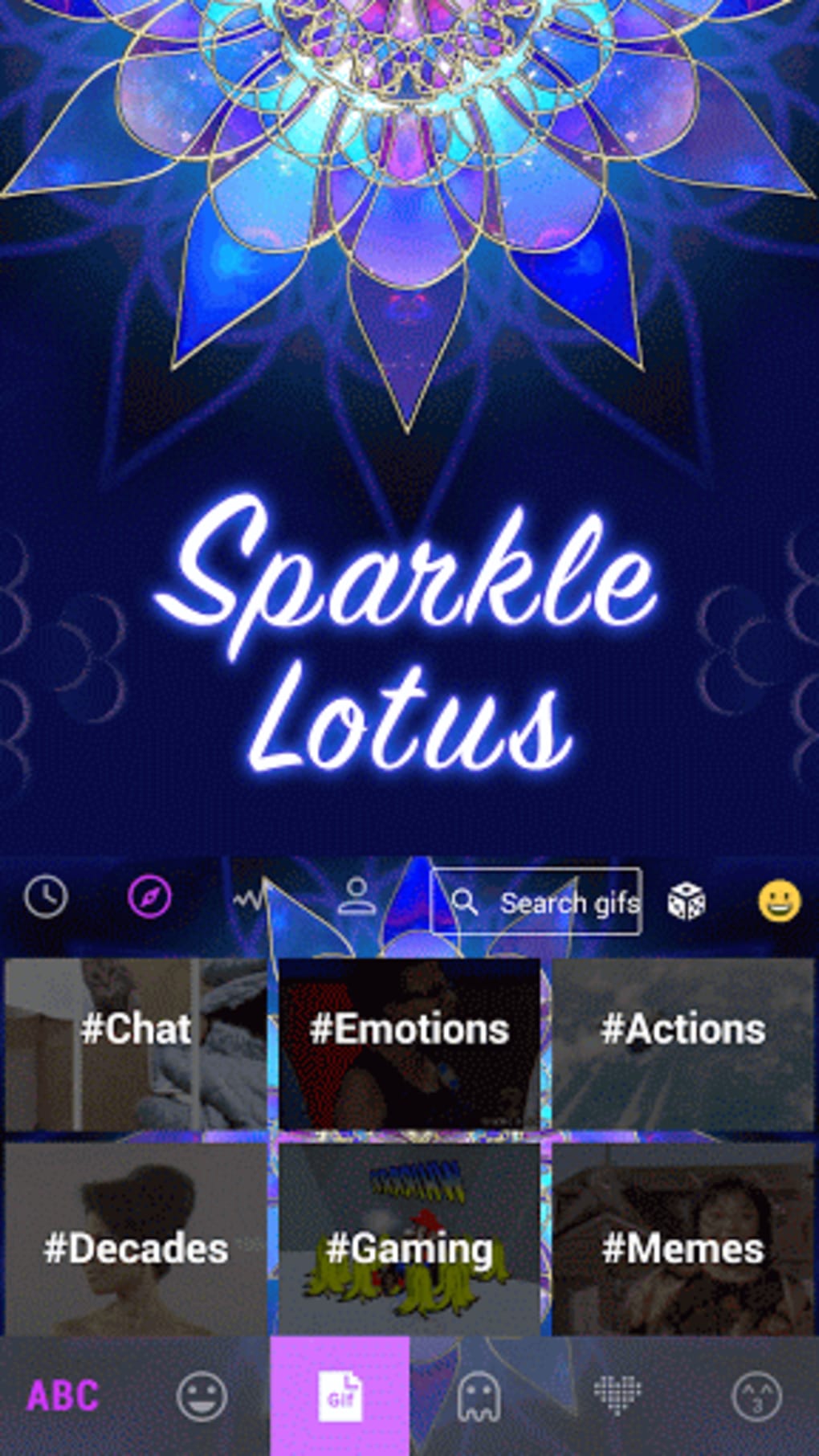
- Vibrant Theme Design: The Sparkle Lotus theme features a dazzling, flower-inspired visual layout that brings color and life to the keyboard interface, making typing a more immersive experience.
- Emoji and Emoticon Library: Access to over 800 emojis and emoticons enables users to express emotions and moods with precision and flair.
- Animated GIF Search: Integrated GIF support allows users to search for and send animated content directly from the keyboard, enhancing communication in messaging apps.
- Swipe-to-Type Functionality: Users can navigate the keyboard by swiping between letters, enabling faster text entry without lifting fingers from the screen.
- Smart Predictions and Auto-Correction: The keyboard provides intelligent word suggestions and real-time corrections, improving accuracy and reducing typing effort.
- Custom Fonts and Layouts: Users can personalize the keyboard’s appearance and behavior, including split-screen and one-handed modes for improved usability on larger devices.
- Voice Input Support: Full voice-to-text functionality is available for users who prefer dictation over manual typing.
- Customizable Sounds: Option to enable traditional keyboard click sounds or disable them for a quieter experience.
User Interface, Workflow & Performance
The user interface of the Sparkle Lotus Kika Keyboard is centered around its dynamic theme, which uses vivid colors and floral patterns to create an engaging visual environment. Navigation is intuitive, with keys arranged in a standard QWERTY layout enhanced by gesture-based input options. The workflow is optimized for touch-based interaction, allowing users to switch between typing modes—manual, swipe, and voice—without disrupting the flow. The interface responds promptly to touch inputs, though exact performance metrics were not specified. The developer did not provide detailed information on CPU or RAM usage, so resource behavior remains general. Stability is assumed to be consistent with standard Android keyboard applications, but no formal testing data was made available. The app integrates smoothly with other messaging and productivity apps, supporting real-time text input across platforms. Users can expect a responsive interface that adapts to different screen sizes and orientations, though specific performance observations are based on general software behavior patterns.Compatibility & System Requirements
The Sparkle Lotus Kika Keyboard is compatible with Android devices and requires the Kika Keyboard app to function. The exact operating system version and hardware requirements were not listed. Installation size information is not provided, and the developer did not specify any minimum system specifications. Compatibility information is limited to Android, and no details about Mac, Windows, or other platforms were included. Users should ensure that their device supports the Kika Keyboard platform before attempting installation. The app is designed for mobile use and does not appear to support desktop environments.Pros and Cons
Pros
- Visually stunning and unique theme design enhances typing enjoyment
- Extensive emoji and GIF library for expressive communication
- Swipe-to-type functionality improves typing speed and efficiency
- Smart auto-correction and word prediction reduce errors
- Supports voice input for hands-free typing
- Customizable layouts and fonts for personalized use
- Free to download and use
- Works across messaging apps, browsers, and email clients
Cons
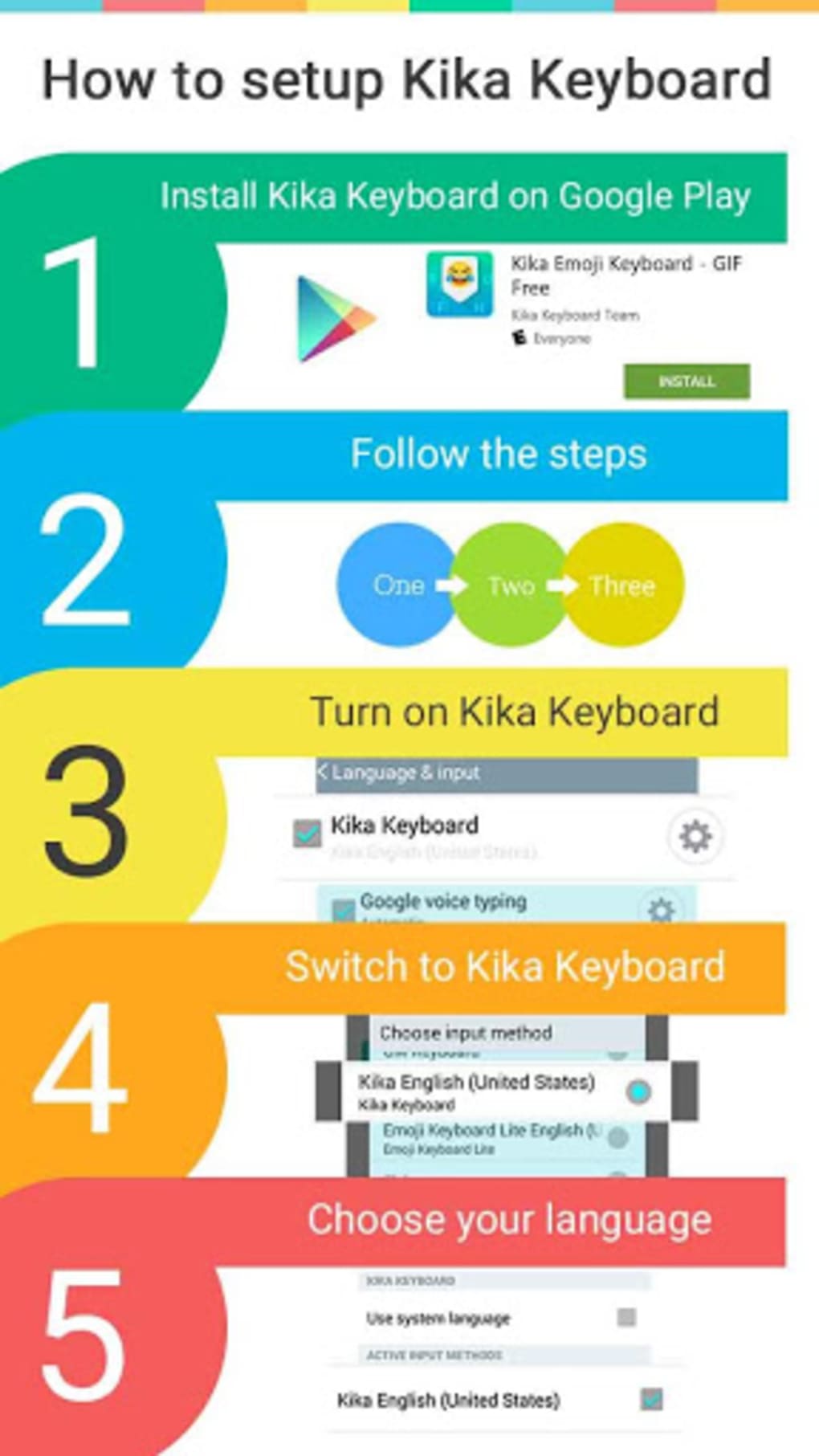
- Requires Kika Keyboard to be installed separately
- Compatibility limited to Android devices
- Exact system requirements not disclosed
- Resource usage details not provided
- May not suit users who prefer minimalistic keyboard designs
FAQ Section
Is Sparkle Lotus Kika Keyboard compatible with all Android devices?
The app is compatible with Android devices that support the Kika Keyboard platform. Specific compatibility details were not provided by the developer.
Is the keyboard safe to use?
As a theme for the Kika Keyboard, it operates within the Android security framework. No additional permissions beyond standard keyboard access were specified.
Does the app require an internet connection?
Basic typing functions do not require internet access. However, features like GIF search and cloud-based word prediction may require connectivity.
Can I use this keyboard offline?
Yes, core typing features such as swipe-to-type, auto-correction, and emoji selection are available offline.
Is there a license or subscription fee?
The Sparkle Lotus Kika Keyboard is free to download and use. No subscription or in-app purchase requirements were mentioned.
Final Thoughts + CTA
The Sparkle Lotus Kika Keyboard delivers a refreshing blend of visual appeal and practical functionality for Android users. Its vibrant theme, rich emoji and GIF support, and smart typing tools make it a standout choice for those who want to elevate their mobile communication experience. While it relies on the Kika Keyboard platform and lacks detailed system specifications, its core features are well-integrated and user-friendly. The app is particularly beneficial for users who value personalization, speed, and expressive communication. With no cost to download and a seamless workflow across apps, it offers strong value. For anyone looking to make typing more enjoyable and efficient, this keyboard is a compelling option. Download Sparkle Lotus Kika Keyboard now.Guides & Tutorials for Sparkle Lotus Kika Keyboard
How to install Sparkle Lotus Kika Keyboard
- Click the Preview / Download button above.
- Once redirected, accept the terms and click Install.
- Wait for the Sparkle Lotus Kika Keyboard download to finish on your device.
How to use Sparkle Lotus Kika Keyboard
This software is primarily used for its core features described above. Open the app after installation to explore its capabilities.
User Reviews for Sparkle Lotus Kika Keyboard 0
No reviews found





